Cricfy TV APK v6.8 Download for Android
Cricfy TV brings live sports, match schedules, score updates and sports channels into one Android app. Check the current APK details, access the download page, follow the installation steps and find practical fixes for common problems.
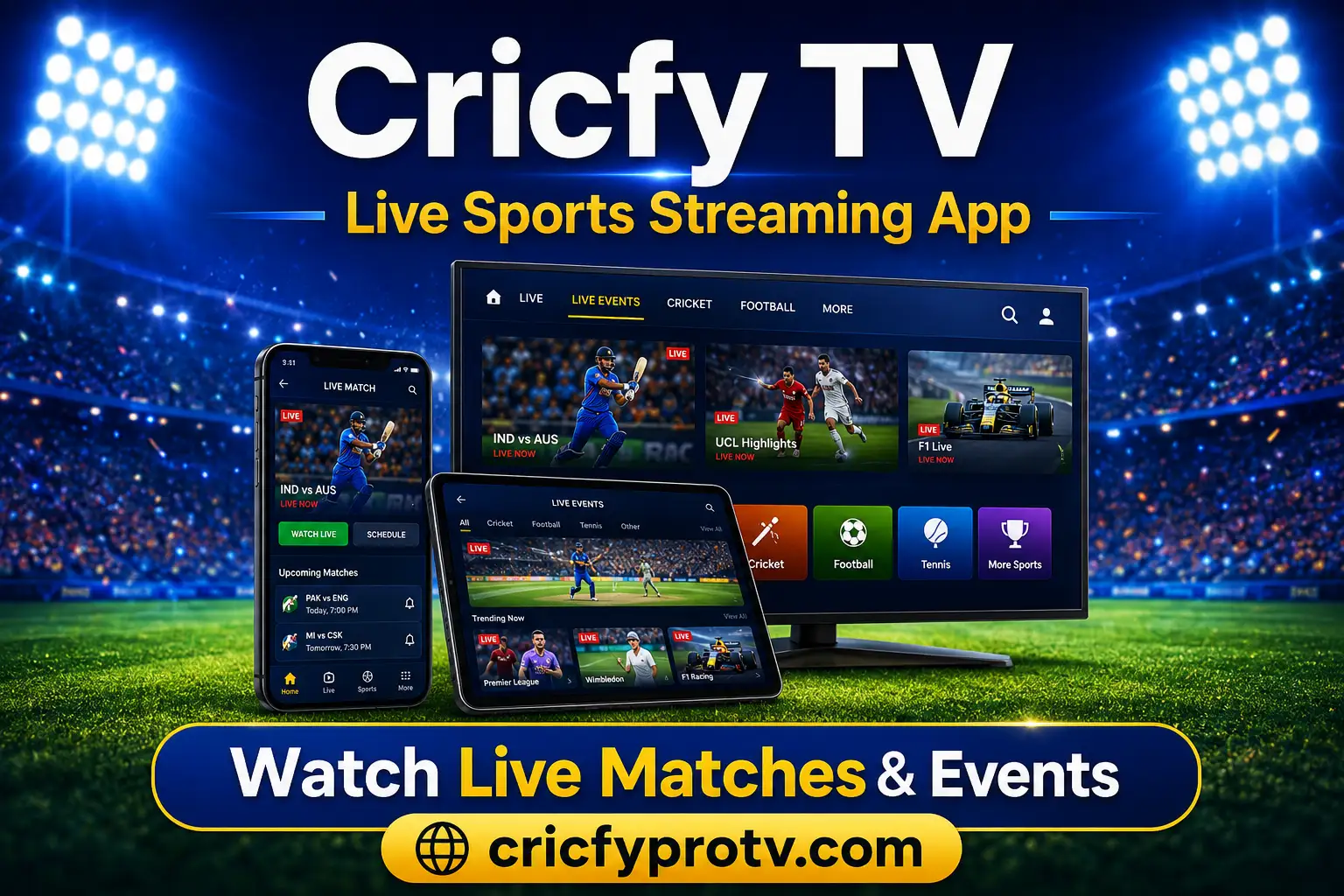

Cricfy TV
Live sports and streaming application
What Is Cricfy TV?
Cricfy TV is a lightweight Android sports application built around live matches, sports channels, schedules, score information and highlights. Instead of opening several websites to find an event, you can browse available sports categories from one interface.
Cricket is the main reason many users search for Cricfy TV, but the app may also show football, tennis, badminton, basketball, wrestling, motorsport and other categories. Availability can change depending on the app version, source server and location.
The application is primarily designed for Android phones and tablets. Before installing it on a newer device, read the Cricfy for Android compatibility guide for Android-version support, storage requirements and common installation errors.
Main Cricfy TV Features
Cricfy TV uses a sports-first layout. You can normally choose a sport, locate an event and open an available source without completing a long setup process.
Live Cricket
Find international matches, domestic competitions and tournament events when cricket sources are active.
Football Events
Browse available league, club and international football events from the same application.
Match Schedules
Check upcoming fixtures and event times before a match begins.
Live Scores
Follow score information when you cannot watch the complete event.
Multiple Sports
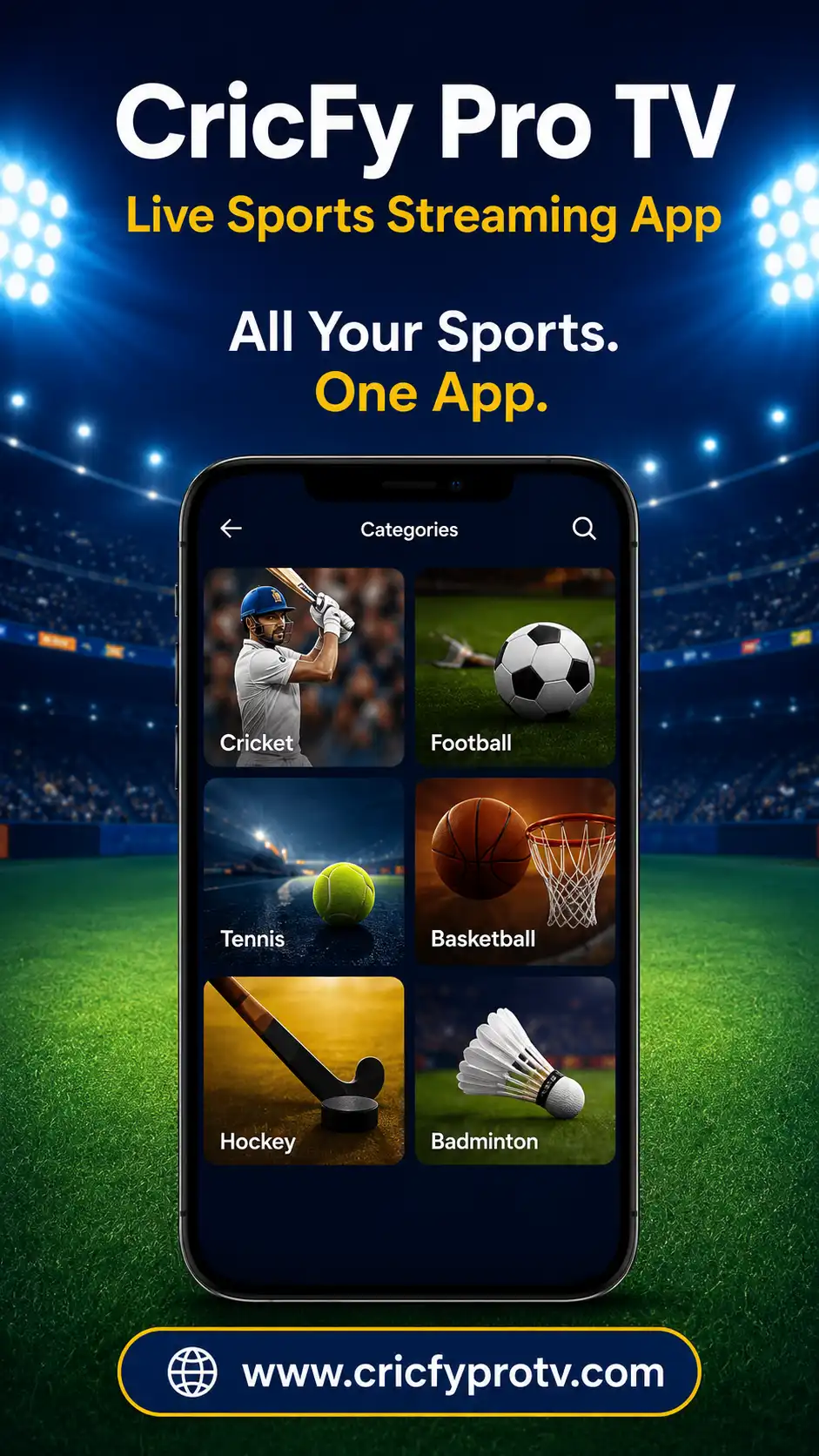
Explore cricket, football, tennis, badminton, basketball and other sports categories.
Simple Controls
Use familiar volume, playback, quality and fullscreen controls when supported by the player.
Lightweight APK
The relatively small package can help users with limited storage space.
Simple Setup
Many builds open without a lengthy registration process.
Sports Available in Cricfy TV
The exact sports lineup changes according to active sources and the current event calendar. Different builds may include the following categories:
During major international tournaments, sports sources can become busy. The Cricfy World Cup viewing guide explains how to prepare your device and reduce avoidable playback problems before high-traffic matches.
Cricfy TV Device Compatibility
| Device | Installation Method | Important Information |
|---|---|---|
| Android Phone | Install APK directly | Read the Android installation guide for compatibility details. |
| Android Tablet | Install the same APK | The interface may appear differently on a larger screen. |
| Android TV | Browser, downloader app or USB | Follow the Cricfy Android TV guide . |
| Fire TV | Sideload with a downloader | Allow installation from unknown apps for the downloader you use. |
| Windows or macOS | Use an Android emulator | Read the Cricfy for PC guide for setup instructions. |
| iPhone or iPad | APK cannot install directly | Review the Cricfy iOS guide before trusting unofficial downloads. |
How to Download and Install Cricfy TV APK
Open the Download Page
Visit the Cricfy TV download page and review the displayed version information.
Save the APK
Tap the download button and save the file to your Android Downloads folder.
Allow the Source
Allow your browser or file manager to install unknown applications when Android asks.
Open the File
Tap the downloaded APK and review the requested permissions.
Install Cricfy TV
Select Install and wait for Android to complete the process.
Disable the Permission
Turn off unknown-app installation for your browser or file manager after installation.
Cricfy TV Not Working?
When Cricfy TV does not load, start with the simplest checks before deleting the application.
- Confirm that your internet connection is working.
- Close Cricfy TV and open it again.
- Switch between Wi-Fi and mobile data.
- Try another event source when available.
- Reduce the video quality.
- Clear the Cricfy TV cache.
- Restart your phone, television or emulator.
- Check whether a newer compatible build is available.
Read the full Cricfy TV not working guide for parsing errors, crashes, blank screens, buffering and audio-delay fixes.
Safety and Privacy
Scan any APK installed outside an official app store with a reputable security service. Keep Android security protection enabled and review every permission before installation.
A sports application should not need unrelated access to your contacts, messages or sensitive files. Cancel the installation if the requested permissions do not match the purpose of the app.
Advantages and Limitations
Possible Advantages
- Cricket and football in one interface
- Relatively small APK package
- Schedules and score information
- Support for several Android-based devices
- Simple sports navigation
Important Limitations
- Manual APK installation is required
- Availability can change without notice
- Stream quality depends on external sources
- Updates may need manual installation
- Android APK does not install on iOS
Cricfy TV App Images
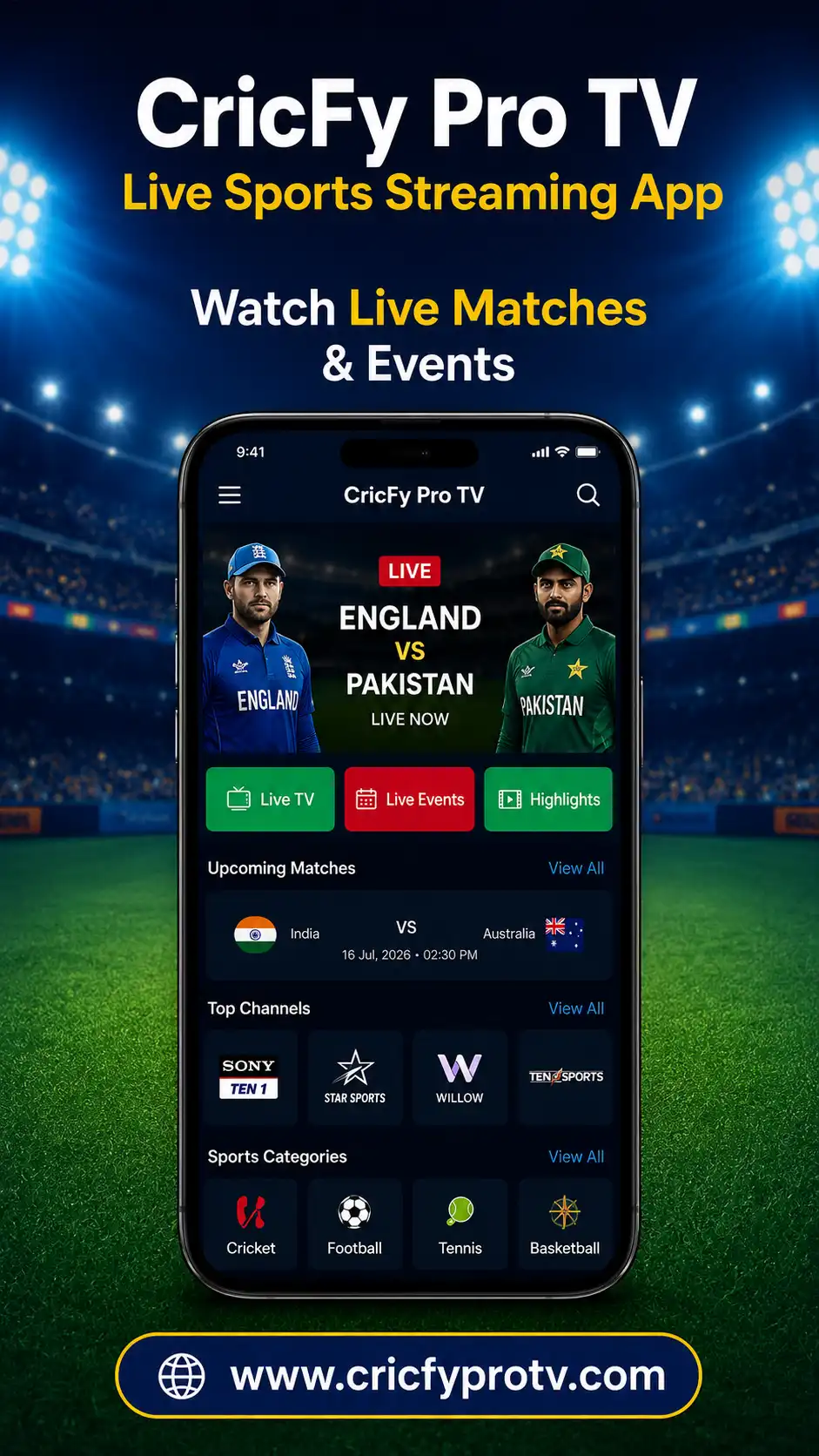
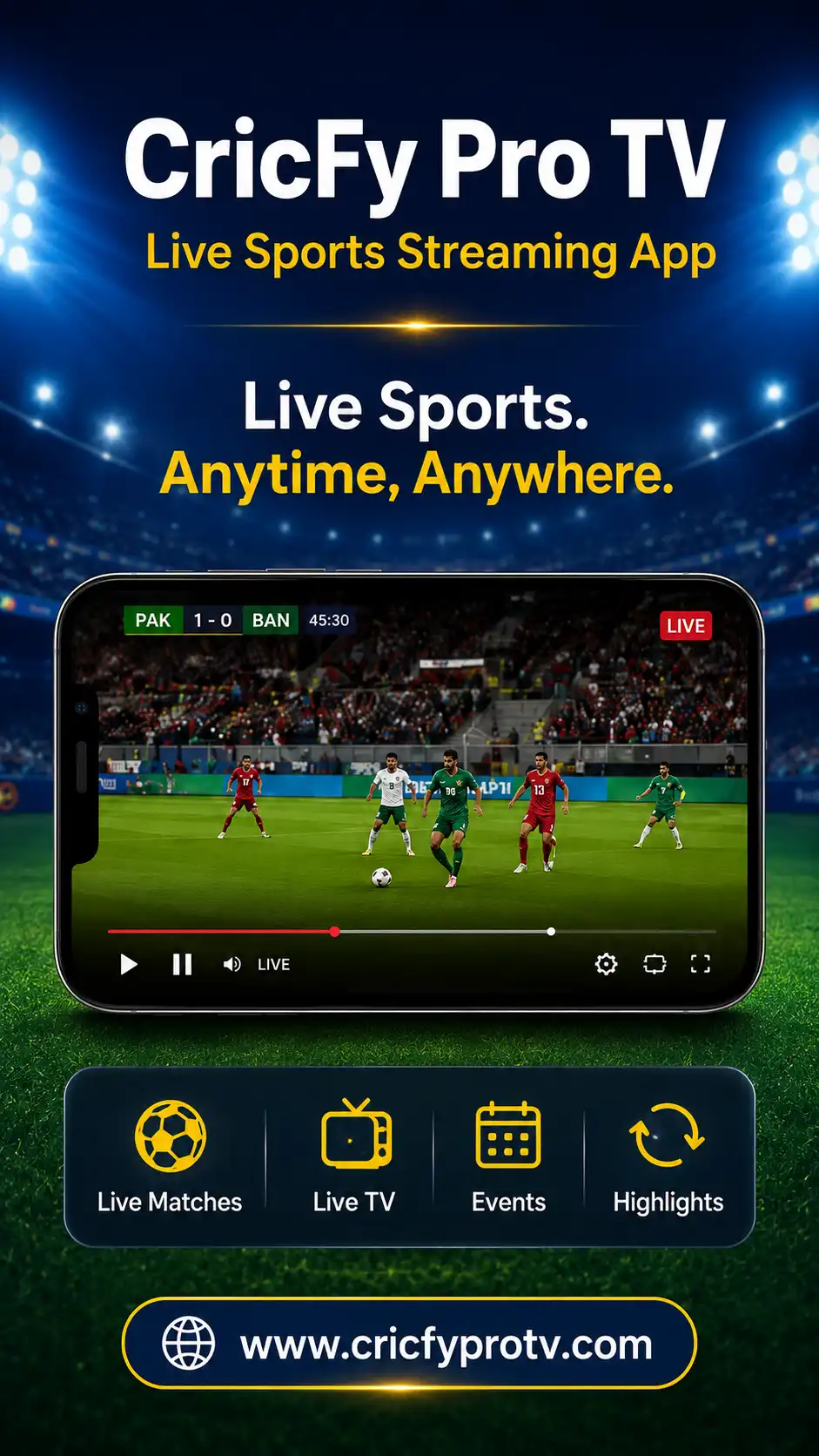
These Cricfy TV images move continuously across the screen. The carousel works automatically on desktop, tablet and mobile devices without requiring navigation buttons.
Ready to Download Cricfy TV?
Review the current version and device requirements, then continue to the dedicated download page.
Cricfy TV FAQs
Clear answers to common questions about downloading and installing Cricfy TV.
What is the current Cricfy TV version?
Cricfy TV v6.8 is commonly listed as the current build. Confirm the file information on the download page before installing.
What is the Cricfy TV APK size?
Current sources report package sizes between about 18 MB and 23 MB. The exact size can differ by build.
Can Cricfy TV run on Android TV?
A compatible Android TV, TV box or Fire TV device may sideload the APK. Remote-control support can vary.
Can Cricfy TV run on a Windows computer?
The Android APK can run through a compatible Android emulator. It is not the same as a native Windows program.
Can I install Cricfy TV on an iPhone?
Android APK files cannot install directly on iPhones or iPads.
Why does Cricfy TV keep buffering?
Buffering can result from a slow connection, a busy source, high video quality or a temporary server issue.
Does Cricfy TV require registration?
Many versions are presented as working without a lengthy account-registration process. This can vary between builds.
Is CricfyProTV an official broadcaster?
No. CricfyProTV is an independent app information and download-guide website. It does not claim ownership of sports broadcasts or third-party trademarks.